GoPro Underwater: Clarity Beats Everything
Underwater video looks easy until you try to make it look like what you actually saw.
That was the part I did not fully appreciate at first. A GoPro makes it simple to record a dive, but that does not mean it automatically gives you good dive footage. You can have a beautiful reef, clear water, a good camera, and a dive you genuinely loved, then get home and realize the video looks softer, bluer, darker, shakier, or flatter than the memory in your head.
That gap is frustrating.
For me, the goal is not to become a professional underwater filmmaker. I am not trying to turn every dive into a production. I do not want so much camera gear that the dive starts to feel like work.
I just want footage that helps me remember the dive clearly.
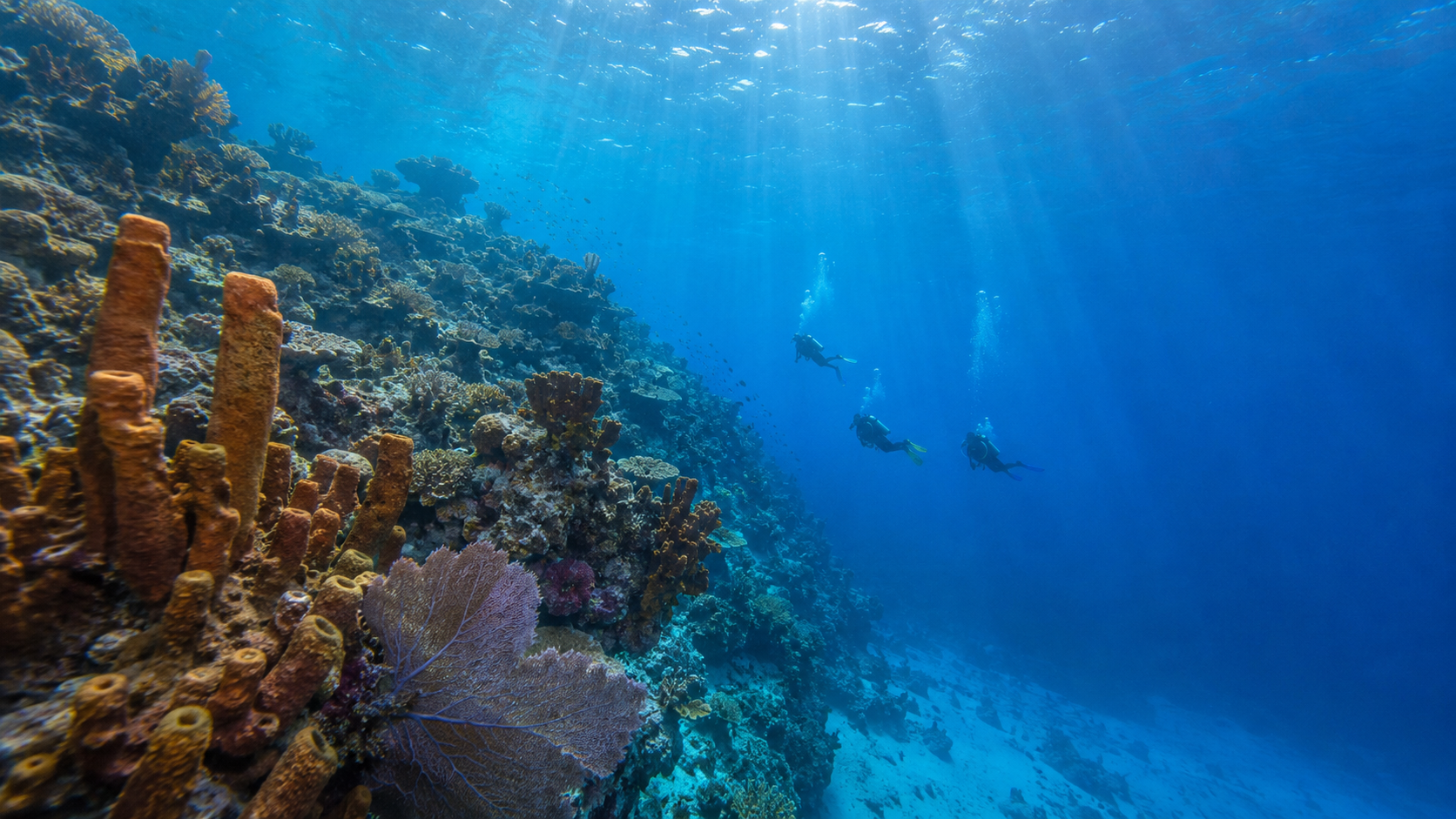
The reef. The wall. The wreck. The turtle that drifted past. The bubbles rising through sunlight. The way the blue opened up below us. The way the current moved the whole group along without anyone needing to fight it.
That is what I want the camera to capture.
SSI includes Photo & Video among its specialty programs, alongside courses like Perfect Buoyancy, Deep Diving, Enriched Air Nitrox, Equipment Techniques, Navigation, Night & Limited Visibility, Wreck Diving, and others. That makes sense to me because underwater footage is not only about the camera. It is about buoyancy, awareness, control, positioning, and judgment.
The camera is just one piece of the dive.
It should never become the whole dive.
The Camera Is Not the Priority
The first rule I keep coming back to is simple: the dive comes first.
Not the shot. Not the clip. Not the angle. Not the montage I might make later.
The dive.
If the camera pulls my attention away from my buddy, my depth, my gas, my buoyancy, my computer, the reef, or the guide, then the camera has become a problem. It does not matter how good the footage might be. A good clip is not worth becoming a worse diver for.
That is why I prefer keeping the setup simple. I want the camera ready when something is worth filming, but I also want it easy to ignore when the dive needs my full attention. There is a big difference between carrying a camera and letting the camera run the dive.
I want to carry the camera.
I do not want to serve it.
Clarity Matters More Than Cinematic Tricks
There are a lot of things you can chase with underwater footage: color grading, slow motion, transitions, stabilization, music sync, filters, artificial sharpening, and fancy edits.
Some of that can help.
But none of it matters much if the original footage is not clear.
I would rather have simple footage that is sharp, stable, and true to the dive than dramatic footage that looks muddy, fake, or overworked. The footage does not need to look like a television documentary. It needs to be watchable. It needs to feel honest. It needs to help me remember what it was like to be there.
For me, clarity means the subject is recognizable, the reef has detail, the color feels believable, and the movement does not make the viewer tired. It means the camera is supporting the memory instead of fighting it.
That is the target.
Not perfection.
Clarity.
Underwater Color Is a Problem Immediately
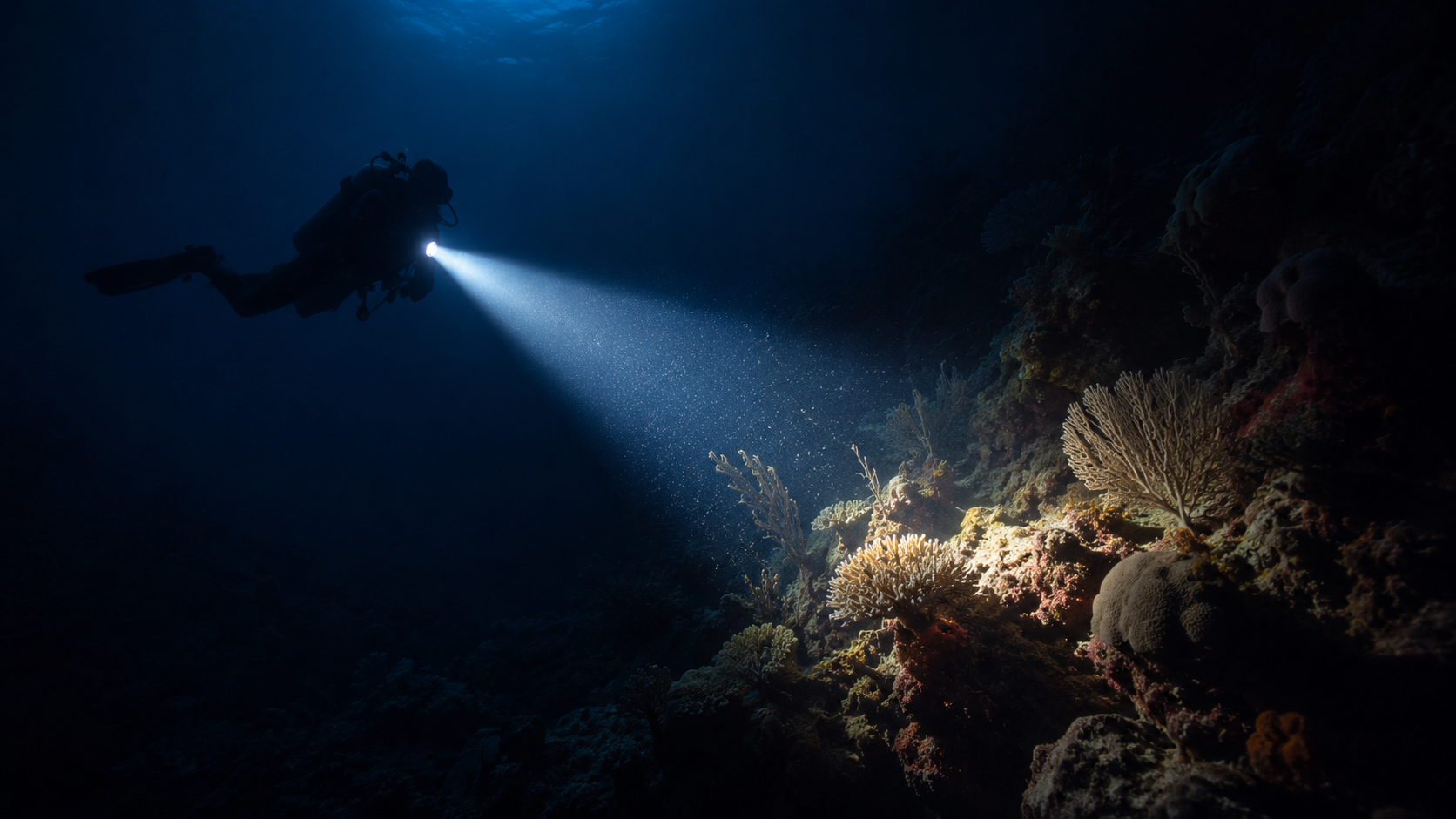
The ocean starts changing color almost as soon as you descend.
Red disappears first. Then orange. Then yellow. The deeper you go, the more everything shifts toward blue or green unless you add light, use a filter, adjust settings, or correct the footage later.
That is one reason underwater footage can look disappointing when you first review it. Through your mask, your brain is doing a lot of correction. It remembers the reef as brighter and warmer than the camera may have captured it. The GoPro is dealing with light loss, water particles, distance, angle, and depth.
A reef that looked alive in person can come back looking flat on video. A wall that felt huge can look washed out. A turtle that felt close can look smaller and softer than expected.
That does not always mean the camera failed.
It means underwater video is a different problem than normal video.
You are not just filming through air. You are filming through water, and water is not neutral.
Red Filters Help, But They Are Not Magic
Red filters are one of the first accessories a lot of divers look at, and I understand why. If the water removes red, putting red back seems like the obvious solution.
Sometimes it helps.
Sometimes it does not.
A red filter can improve color in the right depth range and the right water conditions, especially in clear tropical water. But it also reduces light. If the water is deeper, darker, cloudy, or the angle is wrong, the filter can make the footage softer or less clear. You might improve color but lose detail, and for me that is not always a trade I want to make.
That has been one of my biggest lessons.
I used to think of filters as the default fix. Now I think of them as a tool with a cost.
If a filter helps the footage look more natural without hurting clarity, great. If it makes the footage darker, softer, or harder to recover later, I would rather protect the clean image and deal with color in editing.
Color can often be adjusted.
Lost detail is much harder to bring back.
That is why clarity wins for me.
Depth Changes Everything
A camera setup that looks good at 30 feet may not look the same at 60 feet. A setup that looks decent at 60 feet may struggle at 90 feet.
Depth changes the whole equation.
There is less light. There is less color. There is more water between the lens and the subject. Contrast drops. Detail drops. The camera has less information to work with.
That does not mean a GoPro cannot capture good footage at depth. It can. But it does mean expectations need to be realistic.
At shallower depths, natural light does a lot of work for you. At moderate depths, filters or careful correction may help depending on conditions. At deeper recreational depths, the camera has fewer advantages, and every mistake gets louder.
Distance matters more.
Stability matters more.
Light matters more.
Camera settings matter more.
And the diver holding the camera matters most.
The camera cannot break physics. It can only work with the light and water it is given.
Distance Is the Enemy
One of the biggest underwater video lessons is also one of the simplest: the farther away the subject is, the worse the footage usually gets.
That is not because the subject is bad or the camera is bad. It is because there is more water between the lens and what you are trying to film. That water adds haze, particles, color loss, and softness.
This is why big underwater scenes can be hard to capture. A reef wall can feel massive in person, but on video it may look flatter. A turtle or ray can feel close in the moment, but on the screen it looks farther away. A diver drifting ahead of you may look small and soft instead of crisp.
The answer is not always to get closer.
Sometimes you should not get closer. The reef, the animal, the current, the guide, the group, and your own skill level matter more than the shot.
But it does mean I try to be realistic. The GoPro does best when the subject is close enough, the water is clear enough, the light is strong enough, and I am stable enough to give the camera a fair chance.
That is the difference between hoping the camera saves the moment and setting it up to succeed.
Stability Starts With Buoyancy
A floating handgrip helps. Stabilization settings help. Editing can help.
But stable underwater footage starts with the diver.
If my buoyancy is off, the footage shows it. If I am rising and falling, the camera rises and falls. If I am kicking constantly, the shot moves. If I am fighting current, the video feels busy. If I am holding the camera while also trying to fix my position in the water, neither job is going to be done well.
This is why Photo & Video connects so directly to buoyancy. SSI lists both Photo & Video and Perfect Buoyancy among its specialty programs, and in real diving those two skills are absolutely linked.
The better my buoyancy gets, the better my footage gets.
Not because the camera changed.
Because the platform holding the camera changed.
That platform is me.
Why I Like a Floating Handgrip
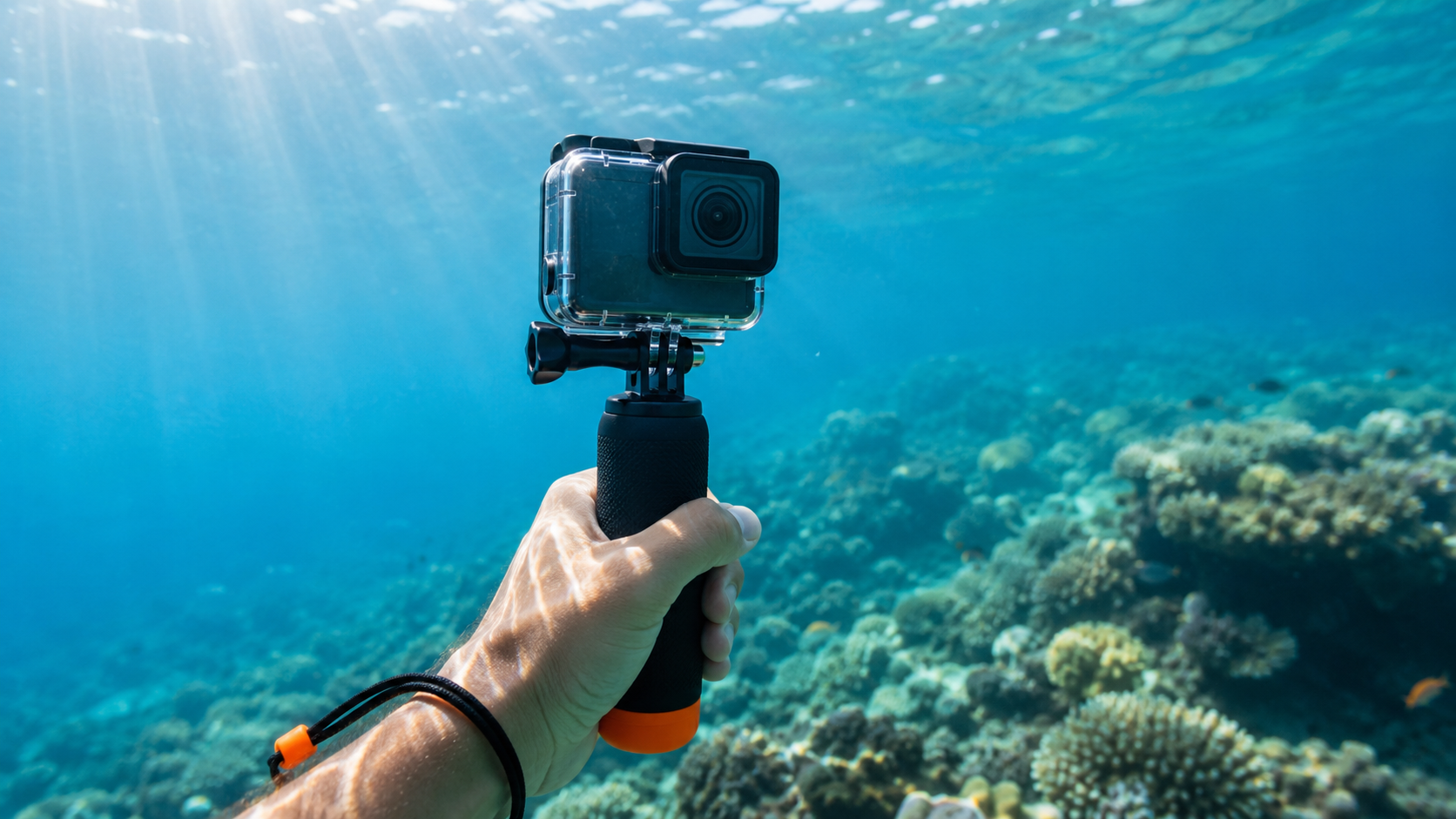
For the way I dive, I like a simple floating handgrip with a wrist lanyard.
It is not the fanciest setup, but it fits my priorities. I can hold the camera when I want to film, keep it close when I do not, and avoid turning the whole dive into a camera rig management exercise.
A handgrip gives me control without making the setup complicated. I can point the camera intentionally, shoot short clips, and then bring it back to my body. If I need both hands mentally, I can stop filming and pay attention to the dive.
I am not a fan of head-mounted footage for my own dives. It records everything my head does, and my head moves more than I want the footage to move. BCD mounts can be tricky too because they may angle downward, shift with body position, or capture the wrong perspective.
For me, the handgrip is the best compromise.
Simple.
Controlled.
Easy to stop using when the dive matters more.
Mounts Can Create Bad Habits
Mounts are useful, but they are not automatically better.
That is the trap.
A head mount feels hands-free, but it can make footage twitchy. A BCD mount might sound convenient, but it can point at the sand or shift around during the dive. A clipped-off camera can dangle, bang into gear, or become another snag point. A larger rig can affect streamlining or add task loading.
Every mount has a cost.
The question is whether the benefit is worth that cost.
For simple recreational dive footage, I would rather start with control and safety than complexity. If I miss a shot because I kept the camera setup simple, I can live with that. If I create a buoyancy, awareness, or entanglement problem because I overbuilt the setup, that is a bad trade.
The camera should make the memory easier to keep.
It should not make the dive harder to manage.
The Best Shot Is Sometimes the One You Do Not Take
This one is easy to say and harder to practice.
Sometimes the best decision is to stop filming.
Maybe the current picks up. Maybe the guide signals something important. Maybe my buddy needs attention. Maybe I am drifting closer to the reef than I should. Maybe I can feel my buoyancy getting busier because part of my brain is watching the screen instead of the water.
That is when the camera needs to come down.
There will be other clips. There will be other dives. There will be another chance to film a turtle, a wall, a reef, or the group drifting through sunlight.
There may not be another chance to handle that specific dive moment correctly.
I would rather surface with fewer clips and a clean dive than more footage and sloppy awareness.
That is the standard I am trying to hold myself to.
Settings Matter, But They Are Not Everything
GoPro settings matter.
Resolution, frame rate, stabilization, white balance, lens mode, exposure, sharpness, and color profile can all affect the final footage. I am not dismissing any of that.
But settings cannot fix the basics.
They cannot fix bad visibility. They cannot fix being too far from the subject. They cannot fix a dirty lens. They cannot fix constant hand movement. They cannot fix poor buoyancy. They cannot fix a camera pointed at the wrong thing because I was not paying attention.
That is why I think of settings as part of the system, not the whole system.
A good setup is a mix of reasonable settings, a clean lens, a secure housing, a simple mount, controlled movement, good buoyancy, realistic expectations, and editing that respects the dive.
It all matters.
But the settings are not a substitute for diving well.
Editing Should Respect the Dive
Editing underwater footage is tempting because there is always something to fix.
The footage is too blue. The reef is too flat. The contrast is too low. The subject is too soft. The clip needs stabilization. The whole thing needs a little more life.
Some correction is fine. Underwater video often needs help.
But I do not want to edit a dive into something it was not.
I do not want the reef to look radioactive. I do not want the water to look fake. I do not want to push the footage so hard that it stops feeling like the actual dive. If the edit becomes more about making the scene dramatic than making the memory clear, it has gone too far.
For me, editing should close the gap between what the camera captured and what the dive felt like.
It should not invent a different dive.
That line matters.
What I Care About Most in My Footage
When I review footage, I am not looking for perfection. I am looking for the things that make the clip worth keeping.
| Question | Why It Matters |
|---|---|
| Is the subject clear? | Clarity is the main goal |
| Is the footage watchable? | Shaky video gets tiring fast |
| Does the color feel believable? | Overcorrected footage feels fake |
| Was I too far away? | Distance kills detail underwater |
| Did filming affect my dive? | The camera should not create problems |
| Did I protect the reef? | No shot is worth contact |
| Did I capture the feeling? | Memory matters more than perfection |
That last one is important.
Sometimes a technically imperfect clip still works because it captured the moment. A buddy turning toward the reef. Bubbles climbing into sunlight. A turtle passing through the edge of the frame. A wall dropping into blue water.
Those clips matter because they feel true.
That is more important to me than making everything look polished.
What I Would Tell a Diver Starting With a GoPro
Start simple.
That would be my biggest advice.
Do not buy every accessory first. Do not turn your first camera dives into gear experiments. Do not change every setting at once because you watched ten different videos with ten different opinions.
Start with a simple grip. Secure it with a lanyard. Keep the lens clean. Shoot short clips. Avoid constant panning. Stay close enough for clear footage when it is appropriate. Do not chase wildlife. Do not get closer to the reef than your buoyancy allows. Review the footage after the dive and change one thing at a time.
That last part matters.
One thing at a time.
If you change the mount, the filter, the settings, the angle, and the editing approach all at once, you will not know what actually helped.
Underwater video improves the same way diving improves: small adjustments, repeated honestly.
The Camera Should Serve the Memory
For me, underwater footage is about memory first.
I want to remember what the dive felt like. The blue water. The reef. The descent. The current. The wreck. The wall. The marine life. The quiet. The way the whole world narrows down to breathing, bubbles, and movement.
A GoPro can help preserve that.
But only if it stays in its place.
It is a tool.
Not the reason for the dive.
When the camera helps me remember the dive without pulling me out of the dive, it is doing its job.
That is all I really need from it.
Final Thought
Underwater video is a balancing act.
You are trying to capture something beautiful in an environment that fights clarity, color, stability, and distance. The camera can help, but it can also distract. Settings matter, but they cannot replace buoyancy, awareness, and judgment.
That is why clarity beats everything for me.
Clear footage.
Clear priorities.
Clear awareness.
Clear respect for the reef.
If the footage helps me remember the dive without compromising the dive itself, then it did its job.
That is enough.